Mastering Your Summer Projects with 3D Wall Decor and BBQ SVG Files
There is a distinct joy in transforming a blank wall or a plain wooden sign into a vibrant celebration of the season. When you decide to create 3D Summer Wall Decor Laser Cut pieces, particularly those featuring a BBQ SVG theme, you are tapping into a trend that blends rustic charm with modern crafting precision. However, because this is a digital product, the path from purchase to finished masterpiece requires a bit more foresight than buying a physical kit. Many enthusiasts rush into cutting without fully understanding the file formats or material constraints, leading to wasted time and materials. Let's walk through how to navigate this process smoothly, ensuring your final result looks as professional as the inspiration photos you see online.
Understanding the Digital Nature of Your Purchase
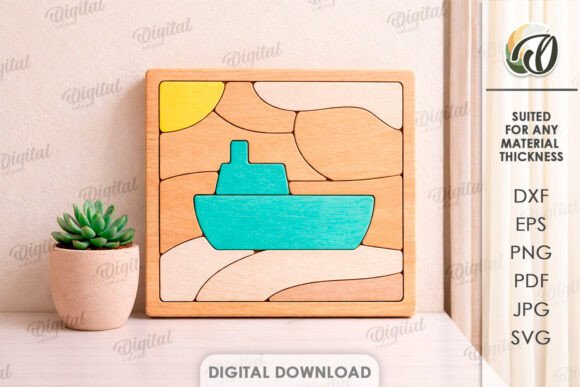
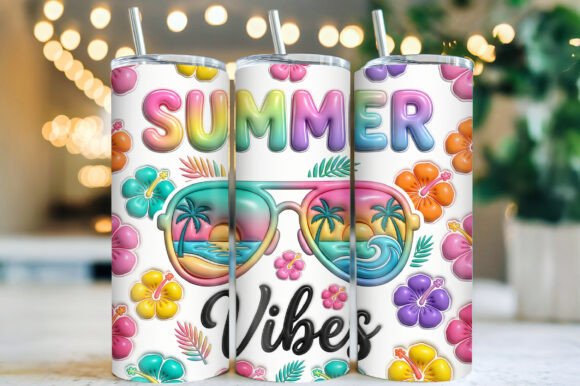
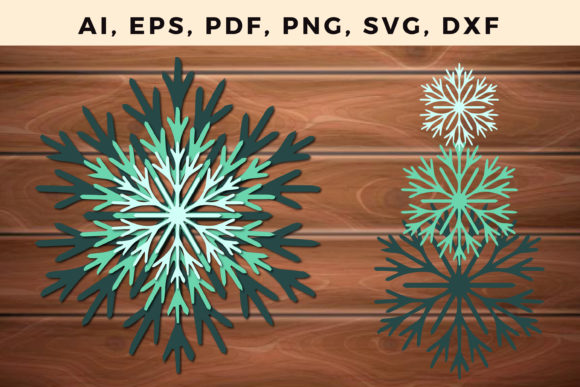
The most critical detail to grasp immediately is that you are purchasing a digital file, not a physical object. The stunning images displayed in store listings are intended strictly for inspiration to show you what is possible. No physical goods will be sent to your doorstep. Instead, you will receive a zip folder containing one design in multiple formats: SVG, DXF, EPS, PDF, JPEG, and PNG. This distinction matters because it shifts the responsibility of material selection and assembly entirely to you. A common mistake beginners make is assuming the digital file includes instructions on which wood thickness to use or how to layer the pieces for the best 3D effect. While the files are optimized for laser cutting, the creator cannot know if you are using plywood, acrylic, or cardstock. Therefore, your first step after downloading should be to examine the layers in your chosen software to understand how the design is constructed before you ever power up your machine.
Avoiding File Format Confusion
With six different file formats included in your download, it is easy to grab the wrong one for your specific equipment, which can lead to frustrating errors during the cutting or printing process. For instance, using a JPEG or PNG for a laser cutter is often a poor choice because these are raster images; the machine may interpret them as an image to engrave rather than vectors to cut, resulting in burnt edges rather than clean lines. Conversely, hobbyists using basic die-cutting machines might struggle with DXF files if their software prefers SVG. To avoid this, always match the file type to your hardware. If you are using a Glowforge or similar CO2 laser, the SVG or PDF usually offers the cleanest vector paths. If you are sending the design to a professional cutting service, ask them which format they prefer beforehand. Taking two minutes to verify compatibility saves hours of troubleshooting later.
Material Selection and Layering Strategies
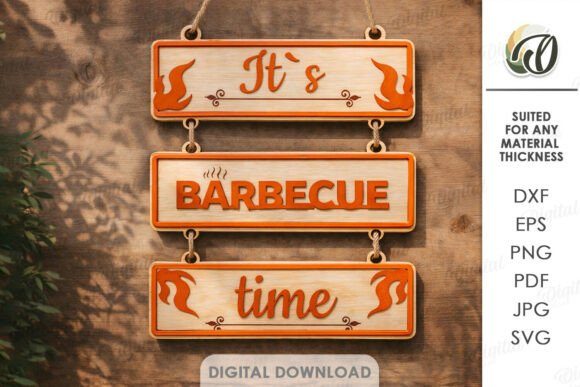
Creating true depth in 3D Summer Wall Decor relies heavily on your choice of materials and adhesives. A frequent oversight is selecting wood veneers that are too thin, causing the layers to blend together visually rather than standing out as distinct elements. For a BBQ-themed sign, you might want a rugged, layered look where the grill, flames, and text pop against the background. If your layers are too close in color or texture, the "3D" effect gets lost. A better approach is to test a small section first. Use contrasting stains or paints between layers to enhance visibility. Additionally, consider the adhesive. Hot glue can sometimes warp thin wood or leave visible strings that ruin the finish. Wood glue or double-sided tape designed for crafts often provides a cleaner bond. Remember, the goal is to replicate the depth seen in the inspiration photos, which often requires careful spacing and sometimes even small spacer blocks between layers.
Scaling and Sizing for Your Space
One size does not fit all when it comes to wall decor. The design you download is scalable, but resizing it without considering the intricacies of the cut can lead to structural failures. If you scale a BBQ SVG down too small, delicate details like grill grates or flame tips may become too fragile to survive the cutting process or handling during assembly. On the other hand, scaling it up massively without adjusting the material thickness can make the piece look disproportionate or flimsy. Before committing to your final material, cut a prototype out of cheap cardboard or scrap paper. This allows you to visualize the size on your intended wall and check if the fine details hold up. It is a low-cost way to ensure the proportions work for your specific office or home environment.
Maximizing Versatility Beyond Wall Art
While the primary intent is often wall decor, limiting your thinking to just hanging the piece on a wall ignores the endless possibilities of creation. These files are excellent for entrepreneurs looking to expand their product lines. The same BBQ SVG design can be adapted for t-shirt prints using the PNG file, stenciled onto aprons for a summer cookout, or even used to create custom coasters. Small business owners should note that having the design in EPS and PDF formats makes it compatible with professional printing services, opening doors for merchandise creation. However, always check the licensing terms of the specific store you purchased from regarding commercial use. Assuming a file is free for unlimited commercial reproduction without verifying the license is a legal risk that can be easily avoided by sending a quick message to the seller.
Final Checks Before You Cut
Before you finalize your project, take a moment to review your workspace and tools. Ensure your laser bed is level and your focus is precise, as 3D layered projects require consistent cut depths across all pieces. If one layer is slightly larger due to a misaligned cut, the stacking will look uneven. Also, keep in mind that wood grain direction can affect the aesthetic; aligning the grain horizontally across all layers often creates a more cohesive look than random orientations. If you encounter any issues with the file itself—such as missing nodes or open paths—do not hesitate to reach out. Most creators are happy to help if you send them a message with your question. By paying attention to these details, you transform a simple digital download into a high-quality, original design that brings the warmth of summer into your space year-round. Happy shopping and even happier creating!