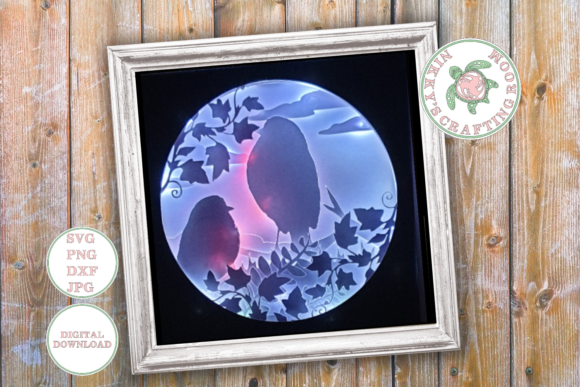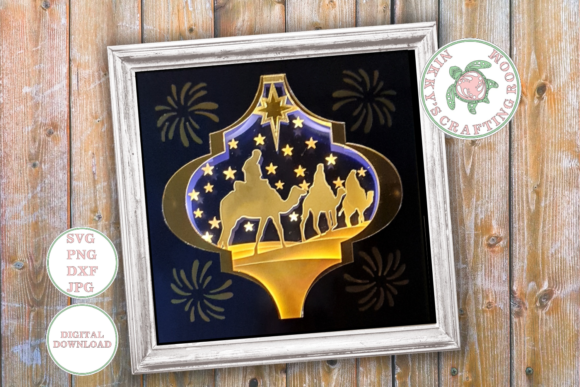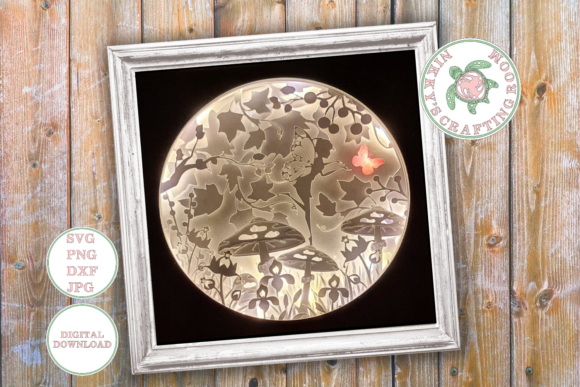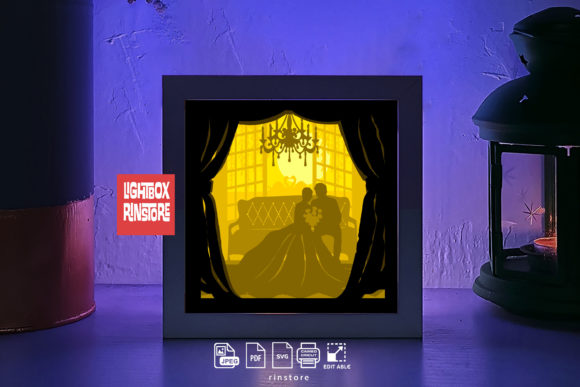
Creating Depth and Light with a Christmas Tree 3D Shadow Box Template
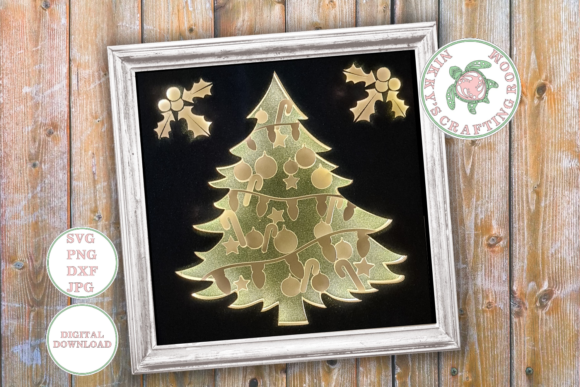
The holiday season often demands a balance between festive spirit and professional execution, whether you are a small business owner curating a shop display, an educator preparing classroom decor, or a creative professional managing multiple client projects. In this context, digital assets that streamline production without sacrificing aesthetic quality become invaluable. The Christmas Tree 3D Shadow Box Template represents a specific category of design resource optimized for precision cutting machines and layered paper crafting. Unlike generic clip art or flat illustrations, this template is engineered specifically for depth, utilizing negative space and layering to create a three-dimensional effect when housed within a deep frame.
What makes this particular template worth discussing is not just the final visual result, but the technical preparation embedded in the file structure. For professionals who bill by the hour or entrepreneurs managing tight deadlines, the time saved during the setup phase is as critical as the quality of the cut. This asset is designed to eliminate the common friction points associated with layered SVG files, such as ungrouped elements, misaligned layers, or incompatible formats. By providing a ready-to-use solution, it allows creators to focus on material selection and assembly rather than troubleshooting software issues.
Technical Specifications and File Usability
The core value of this digital download lies in its comprehensive file format support and internal organization. The zipped file typically contains a suite of formats including SVG, PNG, DXF, and JPG. This variety ensures compatibility across a wide range of hardware and software ecosystems. Whether you are using a Cricut, Silhouette, laser cutter, or even a standard printer for prototyping, the inclusion of DXF and SVG guarantees that vector paths remain clean and editable. The PNG and JPG options serve well for digital mockups, social media previews, or clients who need a visual proof before physical production begins.
A standout feature for serious hobbyists and professionals alike is the "one-click upload" architecture. In many lower-quality templates, layers are scattered, requiring manual grouping and alignment before cutting can commence. Here, all layers are pre-grouped logically. This structural integrity means that when you import the file into your design software, the spatial relationship between the foreground tree elements and the background scenery is already preserved. This consistency is vital for maintaining the intended parallax effect, where foreground elements appear closer than those in the rear.
However, proper usage requires adherence to specific resizing protocols to maintain this integrity. When adjusting the template to fit different frame sizes, it is imperative to keep the layers grouped together. Most design software features a padlock icon or a grouping function that prevents individual elements from shifting relative to one another. Furthermore, users should resize by adjusting the width only. Locking the aspect ratio while scaling via width ensures that the intricate details of the tree branches and background elements do not become distorted. Stretching or compressing the height independently can warp the vector paths, leading to jagged cuts or misalignment during the gluing process.
Material Selection and Assembly Requirements
The effectiveness of a 3D shadow box is heavily dependent on the materials used in conjunction with the digital template. While the design provides the blueprint, the physical execution determines the durability and visual impact of the final piece. To achieve the necessary rigidity for standing layers without bowing, quality cardstock between 180 and 300gsm is recommended. Paper below this weight range may lack the structural integrity to hold spacers effectively, while paper significantly heavier than 300gsm might be difficult to cut cleanly on standard desktop die-cutting machines, potentially burning edges or failing to cut through completely.
Assembly involves more than just stacking paper; it requires creating actual volume. This is achieved through the use of spacers, which can be foam tape, folded cardstock strips, or specialized crafting dimensional adhesives. The thickness of these spacers dictates the depth of the shadow and the separation between layers. For a professional finish, consistency in spacer height is crucial. Uneven spacing can cause the layers to touch, ruining the 3D illusion and potentially damaging the delicate cutouts.
The choice of framing is equally critical. The template is designed to work best within a deep shadow box frame, with a recommendation of no smaller than 8x8 inches. Frames shallower than this may compress the layers too tightly, causing the paper to bulge against the glass or acrylic front. An 8x8 frame provides sufficient internal volume to accommodate multiple layers of cardstock plus the necessary spacing, allowing light to travel through the cutouts and cast the intended shadows. For those looking to scale the project up for retail displays or larger wall installations, ensuring the frame depth scales proportionally with the number of layers is a key consideration.
Illumination Options and Atmospheric Impact
One of the most versatile aspects of the Christmas Tree 3D Shadow Box Template is its dual capability: it functions effectively as a static paper sculpture or as a luminous centerpiece. Assembling a lit shadow box introduces a dynamic element that changes how the viewer perceives depth and texture. To execute the illuminated version, LED fairy lights are the standard power source. These lights are preferred due to their low heat output, which is essential for safety when enclosing them within a paper structure, and their flexibility, allowing them to be woven behind layers without adding excessive bulk.
When integrating lighting, the placement of the LEDs matters. Positioning the lights behind the rearmost layer creates a backlighting effect, silhouetting the tree and highlighting the negative space cutouts. Alternatively, weaving lights between middle layers can create a glowing, ethereal effect where specific parts of the tree appear to emit light. A glue gun and glue sticks are necessary here not just for assembling the paper layers, but for securing the wire strands of the fairy lights to the back of the frame or the sides of the box, ensuring they do not shift and obscure the design over time.
The interplay of light and shadow transforms the project from a simple craft into a sophisticated piece of decor. For marketers and content creators, the lit version offers superior photographic potential. The glow adds warmth and draws the eye, making it an excellent subject for holiday-themed social media campaigns, blog headers, or product photography backgrounds. The ability to switch between a day mode (unlit) and night mode (lit) adds functional value for end-users, making the final product suitable for display at any time of day.
Professional Applications and Target Audience
Who benefits most from this specific template? The utility extends far beyond the casual crafter. Small business owners selling handmade holiday goods can utilize this template to standardize their production. Because the layers are pre-grouped and optimized, a business can cut dozens of units in a single session with minimal setup variation, ensuring every product sold meets a consistent quality standard. This reliability is essential for building brand reputation.
Educators and school administrators can also find significant value here. The template offers a structured yet creative activity for students. The clear instructions regarding resizing and layering teach basic principles of design, measurement, and spatial reasoning. Furthermore, the scalability of the project means it can be adapted for individual student desks using smaller frames or as a collaborative class project using a large communal display board.
For freelance designers and bloggers, this asset serves as a rapid prototyping tool. Instead of designing a complex layered scene from scratch—a process that can take hours—professionals can download the template, customize the color palette to match a client's brand, and produce a high-fidelity physical mockup in under an hour. This efficiency allows for faster iteration and quicker client approval cycles.
Limitations and Practical Considerations
While the Christmas Tree 3D Shadow Box Template is robust, it is not without limitations that users must anticipate. The primary constraint is the dependence on precise cutting equipment. Hand-cutting the intricate details of a multi-layer SVG is possible but highly impractical for the average user; the fine connections between branches and the background require the precision of a digital cutter. Users without access to such machinery may find the project frustratingly difficult to execute manually.
Additionally, the depth requirement imposes a limitation on framing choices. Standard photo frames found in big-box stores often lack the necessary depth (usually ranging from 0.5 to 1 inch). Users must specifically source "shadow box" frames, which are often more expensive and less readily available than standard frames. This supply chain consideration should be factored into the budget and timeline of any project utilizing this template.
Finally, while the file is optimized for resizing width, there is a limit to how small one can go before the structural integrity of the paper becomes compromised. Scaling the design down too aggressively can result in bridges (the small pieces of paper holding inner cuts in place) becoming too thin to survive the weeding and assembly process. Professionals should test a single unit at the desired minimum size before committing to a large batch production.
In conclusion, the Christmas Tree 3D Shadow Box Template is a highly functional digital asset that bridges the gap between digital design and tactile craftsmanship. Its strength lies in its technical foresight—pre-grouped layers, multi-format compatibility, and clear resizing guidelines—which respects the time and workflow of modern creators. Whether used to create a cozy home decoration, a scalable retail product, or an engaging educational tool, the template provides a reliable foundation. Success, however, hinges on the user's attention to material quality, specifically the weight of the cardstock and the depth of the chosen frame. When these physical variables are managed correctly, the result is a polished, professional-grade piece of holiday art that leverages light and shadow to create genuine depth.